While exploring quantities per unit, we have so far only touched on physics: density—when we “saved” the horse from burnout overload, and speed—when we tried to figure out how far it was from the camp to the mountains. For a complete picture, let’s look at how this approach of using quantities per unit is applied in computer science.
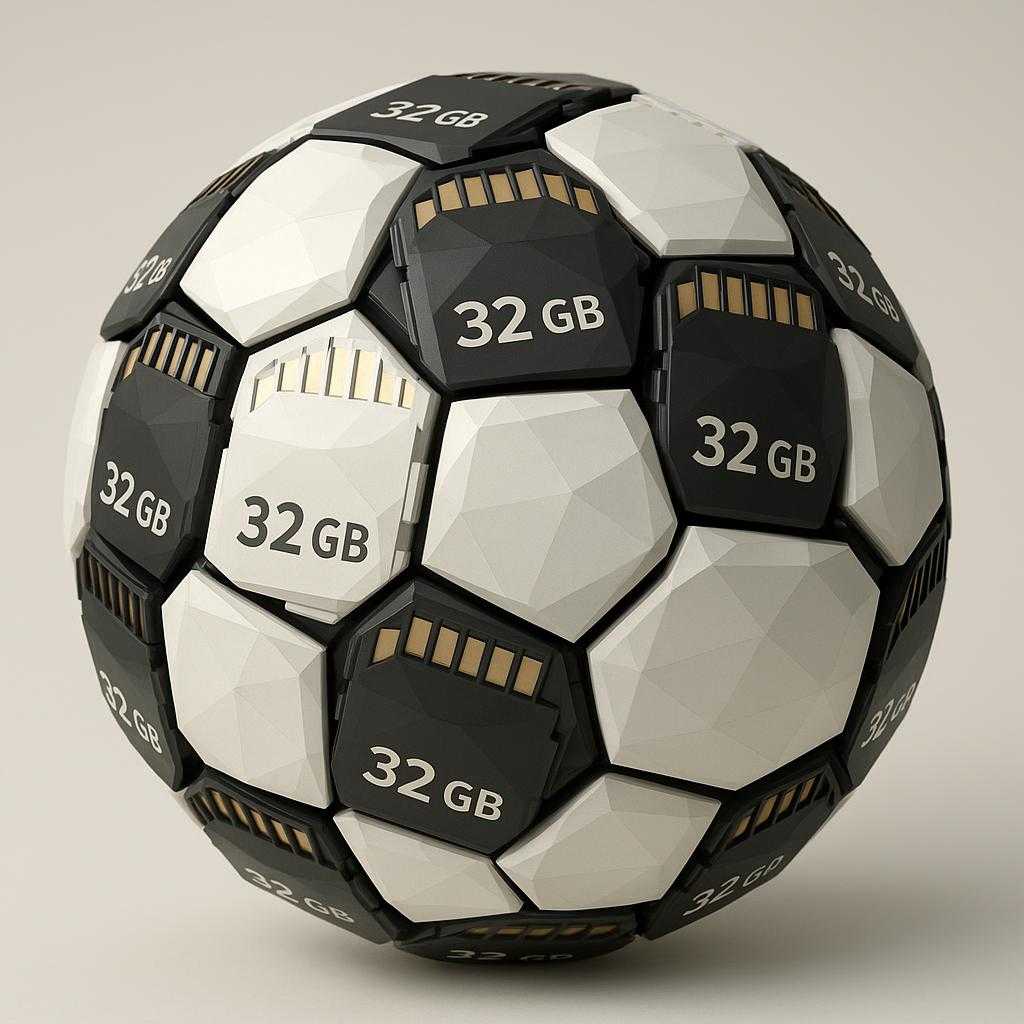
Imagine you are responsible for recording a football (soccer) match.
Maybe you work for a major television company, or perhaps it’s an amateur match where friends have asked you to film their game.
What is the main problem you need to solve? To figure out how much data storage capacity you need so that the entire football match fits into this storage. You can bring an SD card, but what capacity? — 32 GB? 64? 128? 256? or 512 GB (Gigabytes)? Or maybe an SD card won’t be enough and you need an SSD (Solid-state drive) with a couple of terabytes?
How do you calculate the required capacity? The simplest way is to turn the camera on for 2 hours and see how much disk space the video recording takes up.
Note: A football match usually lasts ninety minutes + if it’s an important match and regular time ends in a draw, an additional thirty minutes of extra time might be added—totaling 2 hours (special matches like Championship finals can last even longer if a penalty shootout is required after extra time due to a draw).
If you use a storage device with too small a capacity for your experiment, the entire match might not fit. And you’ll have to start all over again, this time taking a higher-capacity SSD or SD card.
Obviously, this is a very inefficient way to plan the required storage capacity. Returning to the analogy of the hike to the mountains, where we wanted to figure out how much time (or kilometers) the journey would take, this is the same as saying—“Go to the mountain and measure how much time (or distance) you covered—your cap.” — “Thanks! By the time I get there, I won’t need this knowledge—I’ll already be there!”
In reality, by sitting next to the camera for just 1 minute, I think you’ll quickly realize you can stop the recording and simply multiply the storage space used by the average duration of a match in minutes. 2 hours is 120 minutes, so you need to multiply the space used by 120—and that’s it! You get the size of the football match on the disk (or SD card)!
Essentially, we’ve arrived at the same concept of speed—only not in kilometers per hour (km/h) or meters per second (m/s)—but in bytes per second or, as is standard in the industry, in Megabits per second (Mbps).
This “speed” in computer science is called the bitrate.
Note
— We will talk about this separately later.
Interestingly, in programmer slang, the amount of disk space a file occupies is often associated with weight. For example, you might hear, “How much does the file weigh? — Just a couple of megabytes!”. With this analogy, bitrate resembles the density (of the information stream), where time acts as the analogue of volume. Compare:
For the Truly Curious
There is also a concept called recording density or areal density (don’t confuse it with bitrate!)—this is what determines how much physical space your USB flash drive will take up in your pocket, or how thin a smartphone you can buy next year.